Devart Excel Add-ins is a package of add-ins for Excel that allows you to import data from various databases and cloud data sources directly into your Excel worksheets. Many of Excel's features can then be used to process this data, create charts, and so on. In addition, the data can also be edited and exported back to the data source.
Database and cloud compatibility
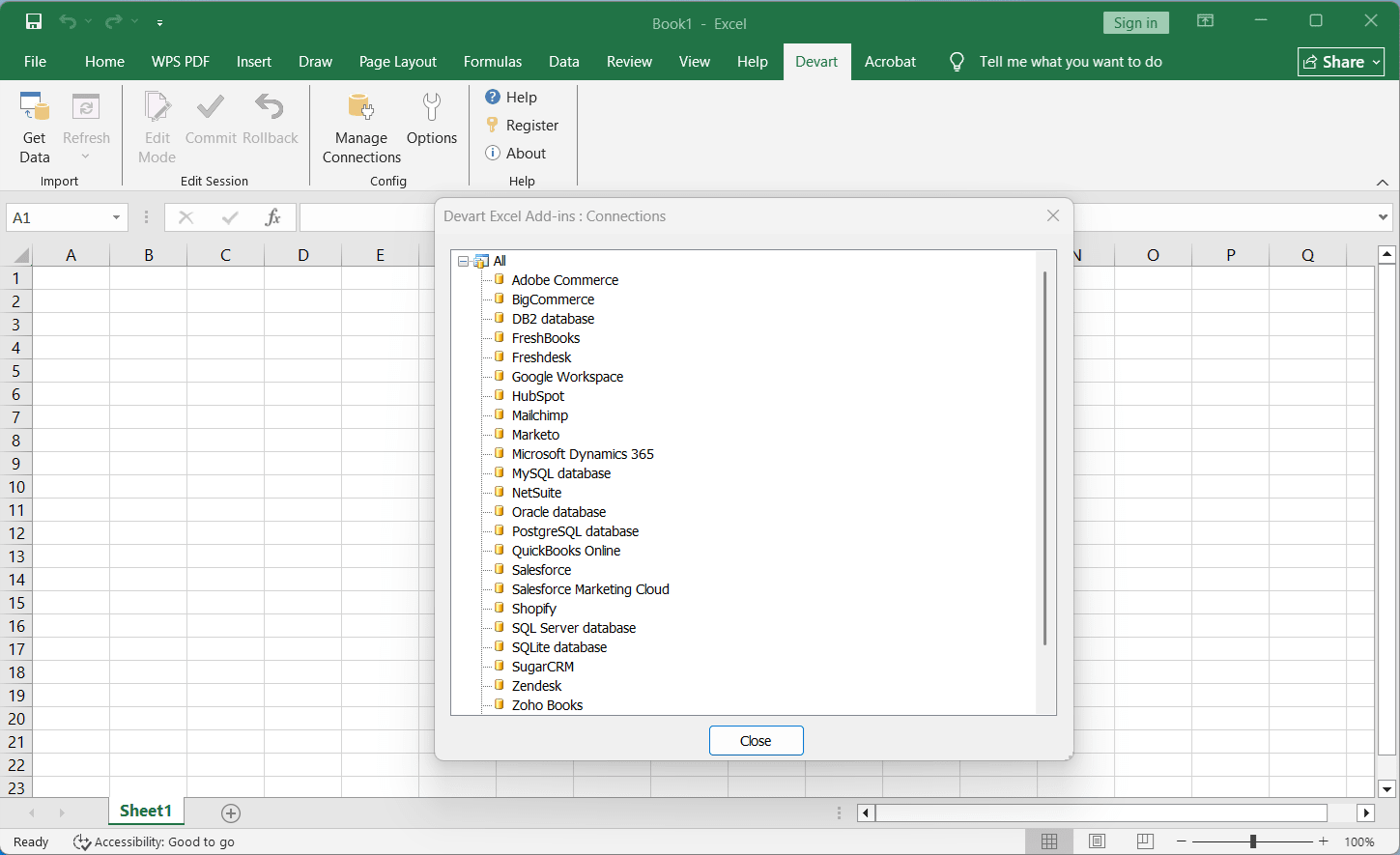
When installing the add-ins, you can choose from a wide number of databases and cloud data sources to extract data from. These include various popular accounting apps, CRM platforms, e-commerce solutions, and SQL databases. The developer also steadily updates its API capabilities and authentication options to maintain compatibility with modern platforms like HubSpot, NetSuite, and QuickBooks.How to import and preview data
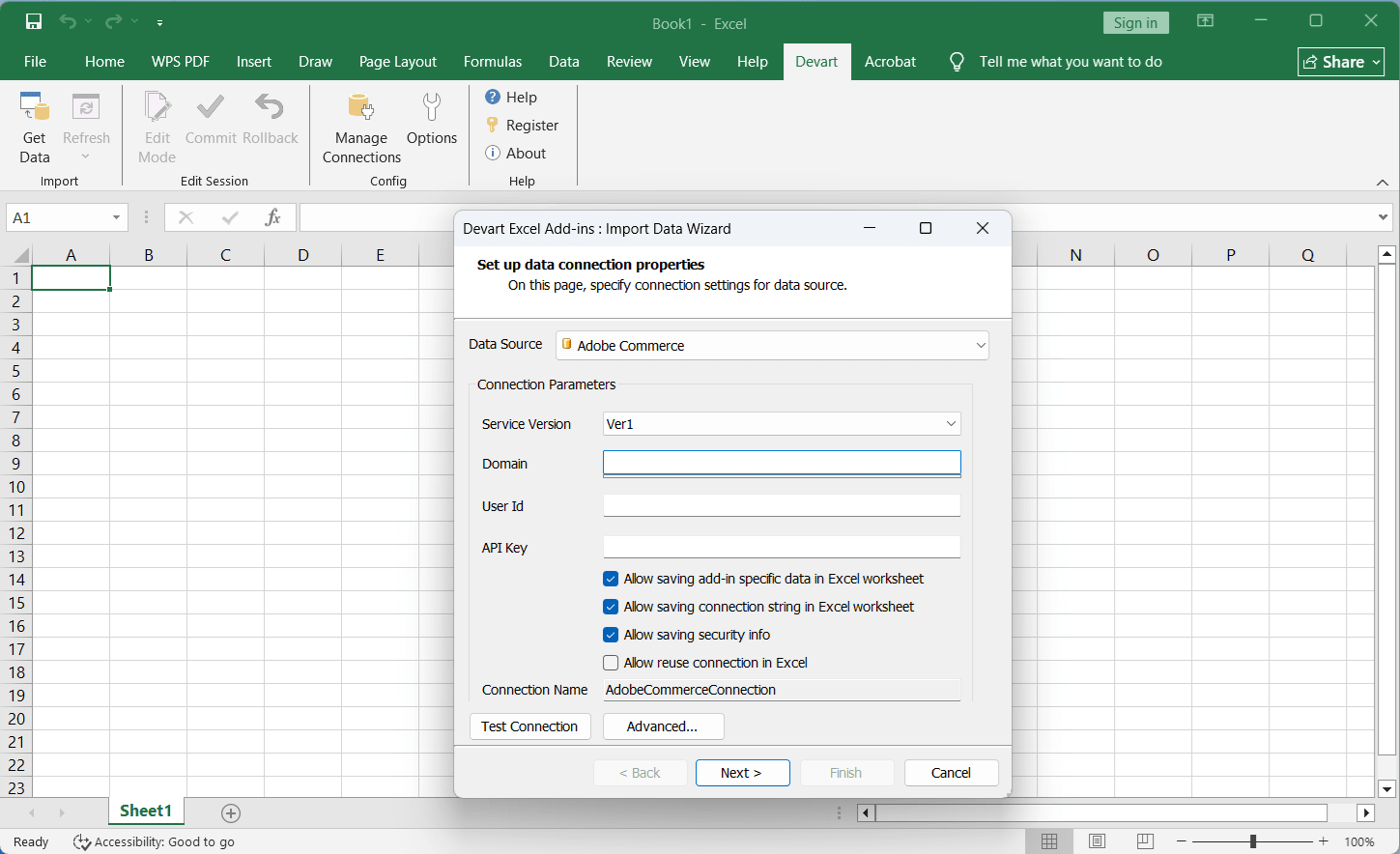
To import data into Excel, you must click on 'Get Data'. Here you must choose a data source and specify your login credentials. In the next step of the import process, after the connection has been successfully established, you can use SQL or the visual query builder to specify the data you want to import, and you also get to preview the data before finalizing the import.Live editing and validation
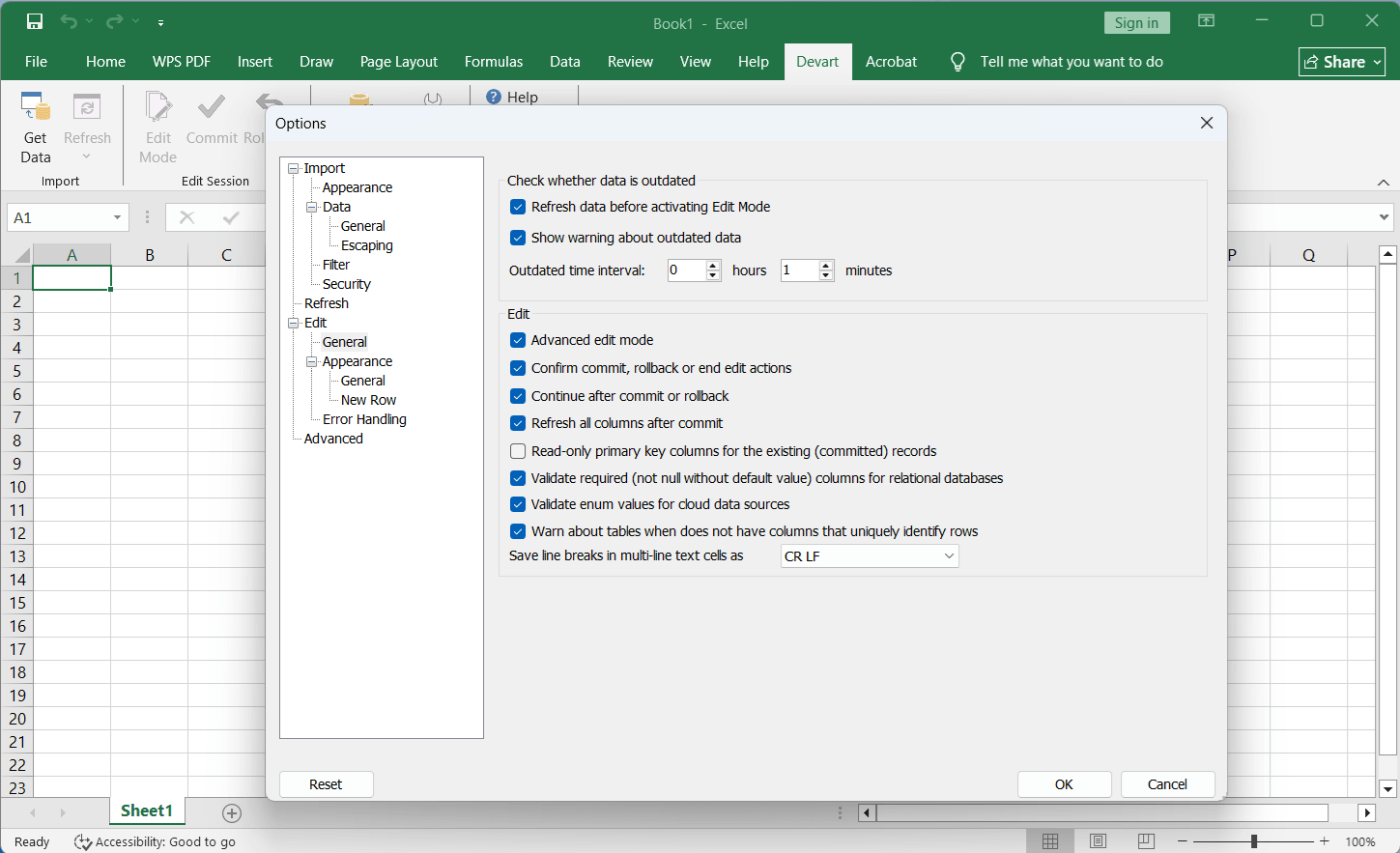
Data can be refreshed at any time from the data source, and you can also modify cells, as well as add or delete rows, by enabling 'Edit Mode'. After you finish editing, all modifications can be easily saved back to the data source by clicking the 'Commit' button. Changed or added data is also checked for errors in real time, ensuring all values are compatible with the data source's field types before any permanent changes occur.